
 Image 1 of 5
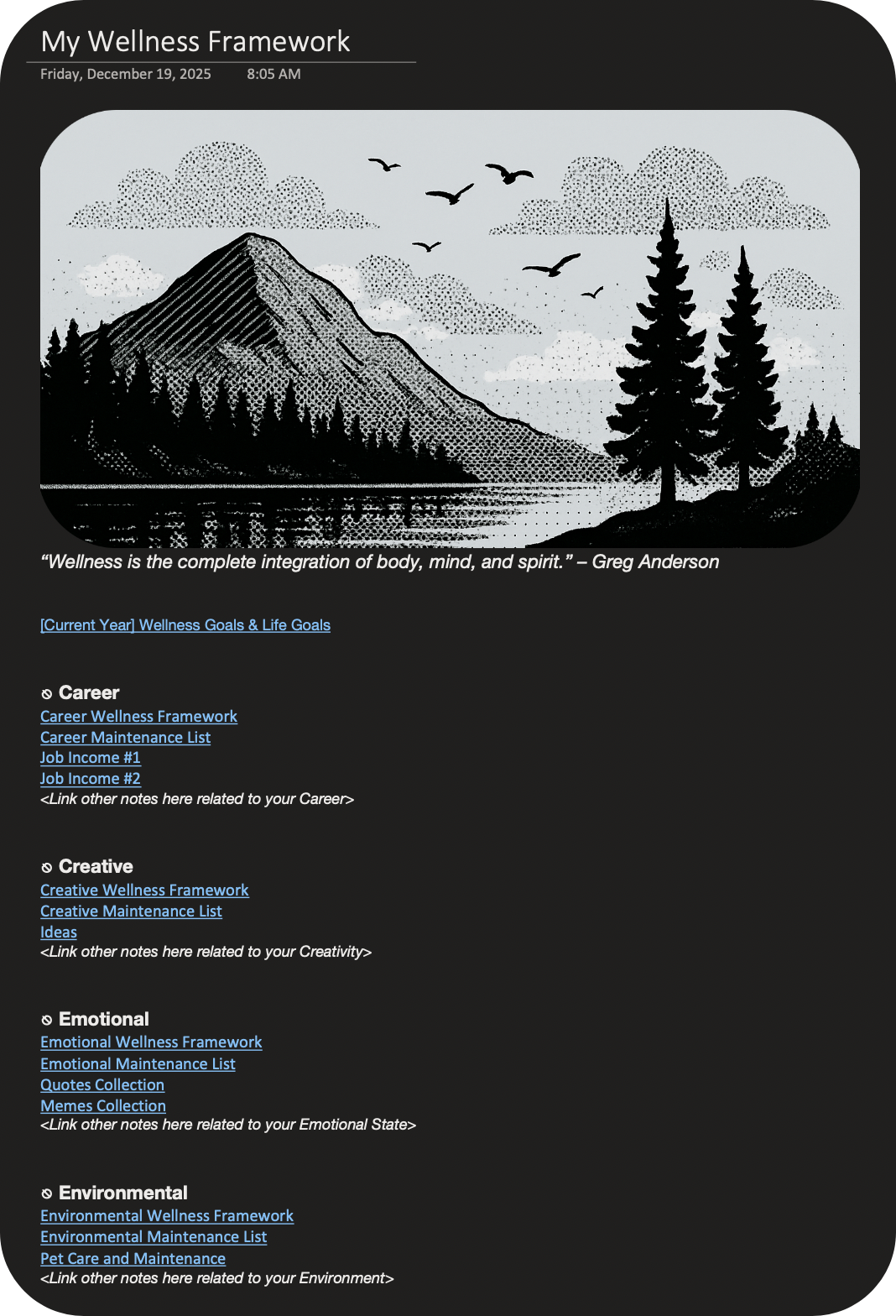 Image 2 of 5
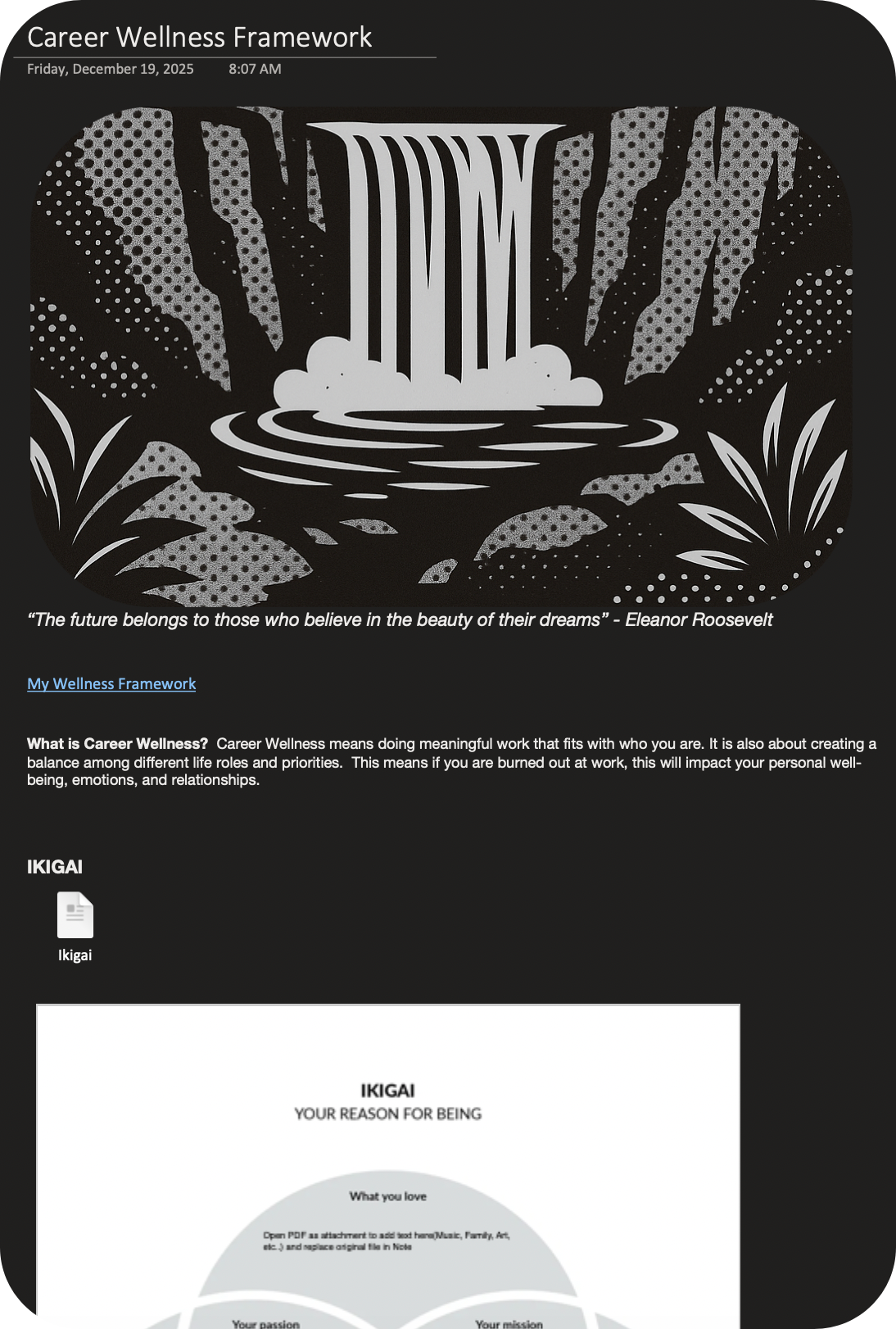 Image 3 of 5
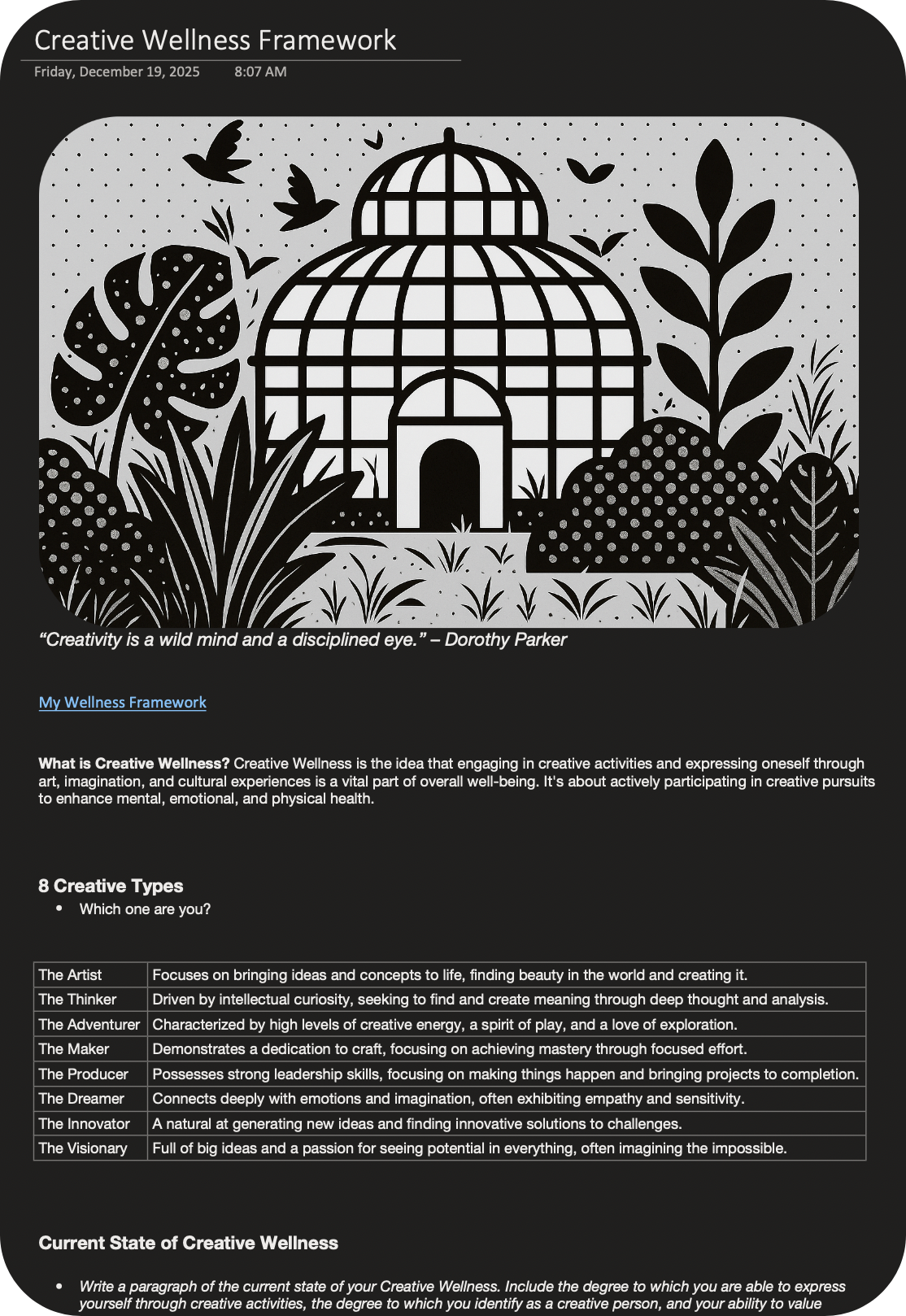 Image 4 of 5
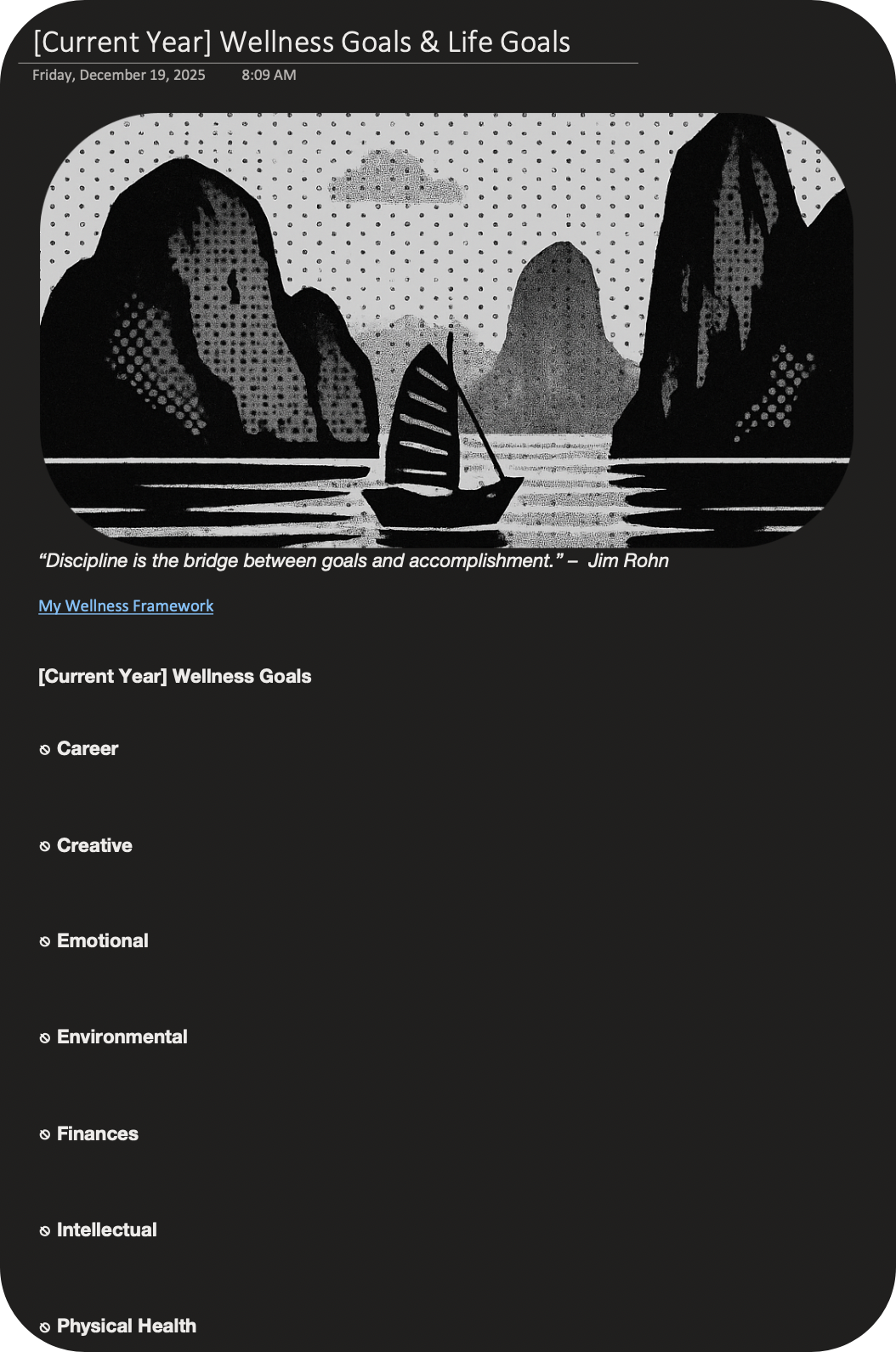 Image 5 of 5
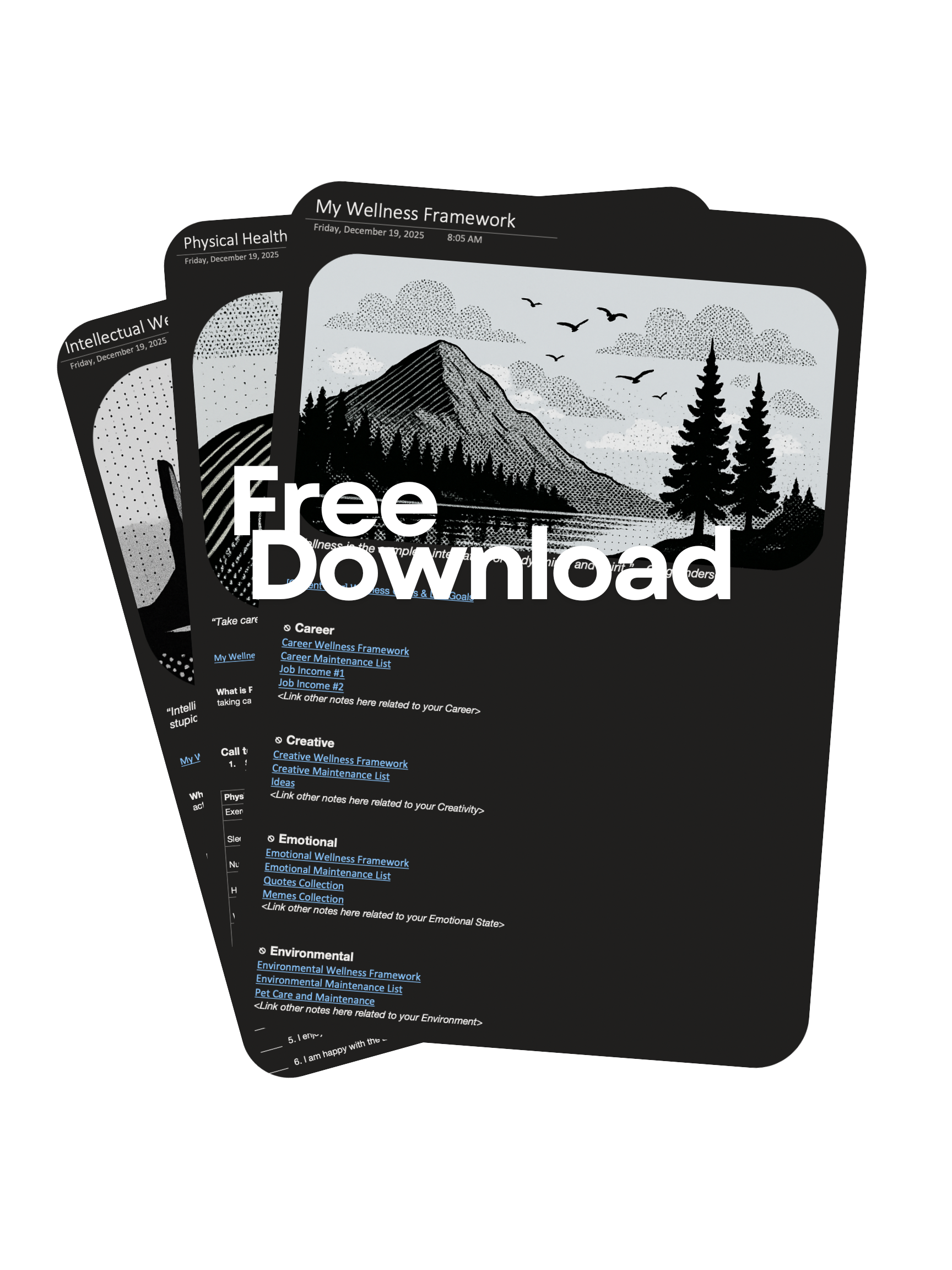
My Wellness Framework FREE Digital Templates package for Microsoft OneNote (WINDOWS OPERATING SYSTEM ONLY) includes:
Wellness Homepage Template
2 Templates for each individual Point of Wellness including Career & Creative (including all Header Pictures w/ Ikigai pdf)
Annual Goal Template
Once fully configured, you will be able to link all the templates to each other to navigate easily between them. The entire exercise to complete the content in the template takes about 30 minutes. Upon completion, you will have a completed Wellness Homepage to serve as your hub to your Points of Wellness and other important notes, short-term and long-term goals identified for each Point of Wellness, and a completed Annual Goal Template to reference regularly.
Your planner or to-do list should contain items to support your annual goals to ensure successful completion of your goals.
NOTE: Digital Templates are in one “.onepkg” OneNote notebook file and only works on Windows Operating System. This digital download is 100% safe and virus-free. All files are thoroughly scanned and verified before release.
OneNote uses color-coded bars to visually denote who modified specific sections, pages, or paragraphs in shared notebooks. This feature activates automatically when opening someone else’s notebook or during real-time collaboration, distinguishing your content from others.
How to Hide It
Go to the History tab in the ribbon and select “Hide Authors” to remove the colored lines and initials across the notebook. This setting applies per notebook, so repeat it for others if needed; toggling Show Authors can restore visibility.
My Wellness Framework FREE Digital Templates package for Microsoft OneNote (WINDOWS OPERATING SYSTEM ONLY) includes:
Wellness Homepage Template
2 Templates for each individual Point of Wellness including Career & Creative (including all Header Pictures w/ Ikigai pdf)
Annual Goal Template
Once fully configured, you will be able to link all the templates to each other to navigate easily between them. The entire exercise to complete the content in the template takes about 30 minutes. Upon completion, you will have a completed Wellness Homepage to serve as your hub to your Points of Wellness and other important notes, short-term and long-term goals identified for each Point of Wellness, and a completed Annual Goal Template to reference regularly.
Your planner or to-do list should contain items to support your annual goals to ensure successful completion of your goals.
NOTE: Digital Templates are in one “.onepkg” OneNote notebook file and only works on Windows Operating System. This digital download is 100% safe and virus-free. All files are thoroughly scanned and verified before release.
OneNote uses color-coded bars to visually denote who modified specific sections, pages, or paragraphs in shared notebooks. This feature activates automatically when opening someone else’s notebook or during real-time collaboration, distinguishing your content from others.
How to Hide It
Go to the History tab in the ribbon and select “Hide Authors” to remove the colored lines and initials across the notebook. This setting applies per notebook, so repeat it for others if needed; toggling Show Authors can restore visibility.